I Built a No-Code ETL Assistant for People Who Understand Data but Don't Write Code
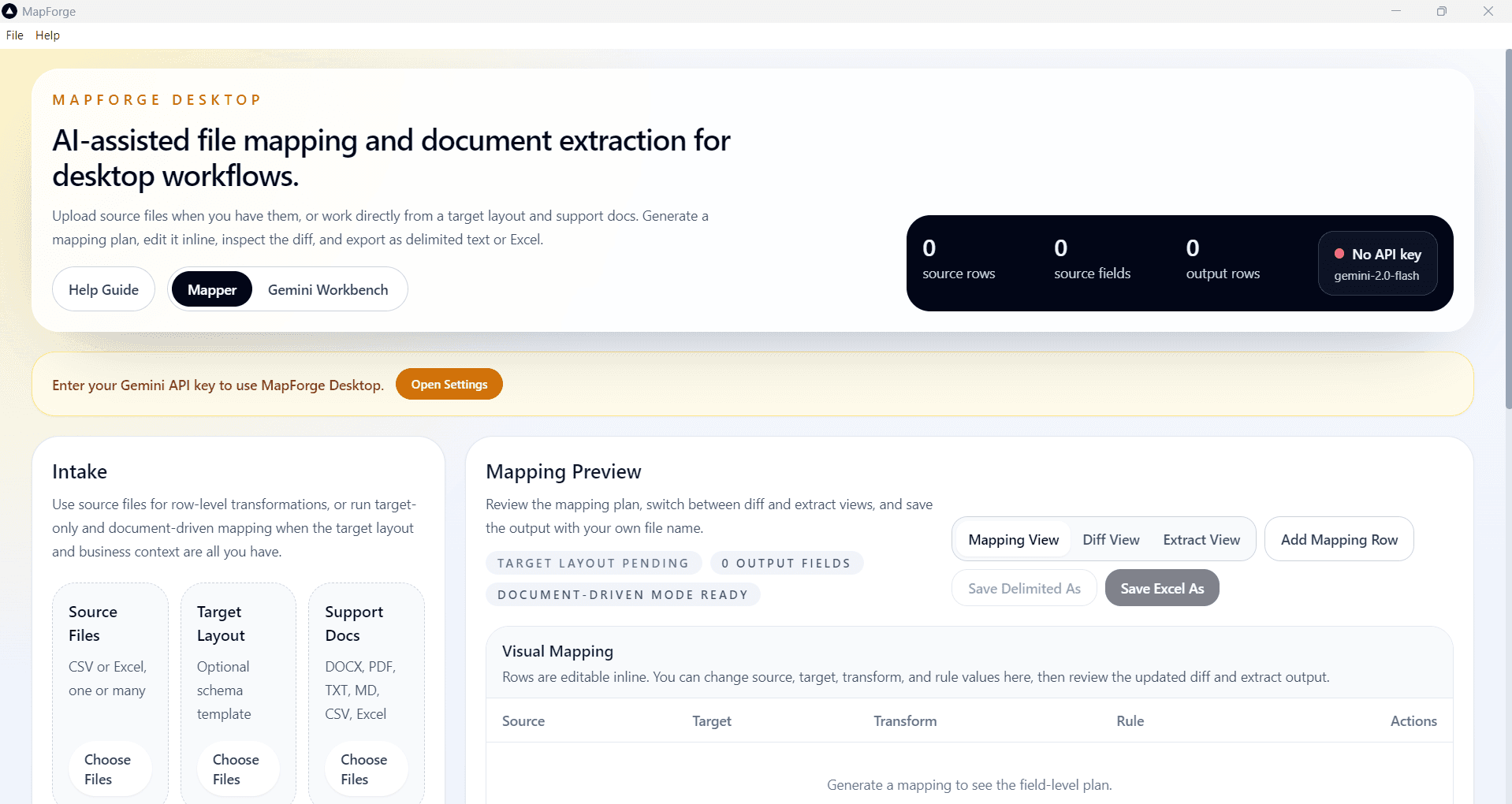
MapForge is an AI-assisted data mapping and extraction desktop tool — a non-technical ETL assistant that takes source files, a target layout, and supporting documents and produces clean, mapped output without writing a single line of code.
There's a category of data problem I've been frustrated by for a long time. Not big data. Not streaming pipelines. Not machine learning infrastructure. Something far more common and far less glamorous: a business analyst has a CSV from a vendor, a target layout from their internal system, a Word document full of business rules, and absolutely no way to connect them without either writing code themselves or waiting two weeks for engineering to get to it. I built MapForge to close that gap.
The Gap
ETL tools exist. Python exists. SQL exists. But they all assume something: that the person doing the work is comfortable writing transformation logic. Most data problems in enterprise environments aren't solved by the people who can write code — they're identified by people who understand the data deeply but don't have a development background. The gap isn't between complex ETL and simple ETL. The gap is between ETL tools and the people who actually need to move data every day.
What MapForge Does
You give it three things:
- Source files — CSV or Excel, one or many
- A target layout — the schema you need to produce
- Supporting documents — PDFs, Word docs, plain text, business rules, reference tables
How It Works
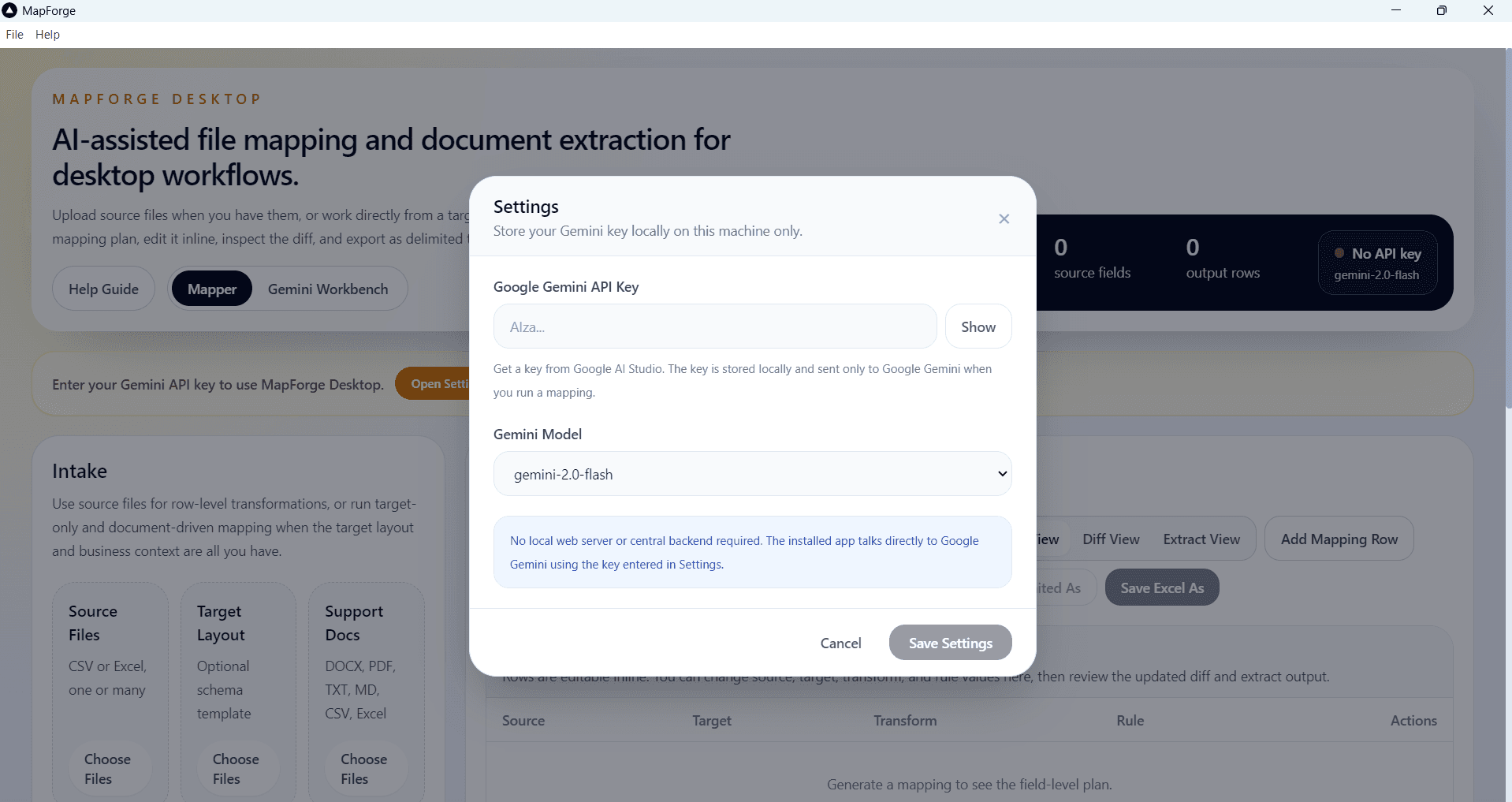
MapForge sends your source sample and documents directly to the AI provider you configure — currently powered by Google Gemini, with support for other popular LLMs like OpenAI, Claude, and Ollama planned for the public release. Nothing passes through any third-party server. The AI generates mapping rules. The actual row-by-row transformation runs locally on your machine. Your API key is stored locally and never shared. It ships as a standalone Windows installer — works in locked-down enterprise environments with no setup and no admin rights required.
What Makes It More Than a Field Mapper
Generating a mapping is the easy part. The hard part is trust — being able to verify the output before you hand it to anyone.
- Diff View — before/after field-level comparison so you can see exactly what changed
- Editable Extract Table — review and fix any cell in the app without opening Excel
- Reusable Mapping Rules — export your mappings as JSON, import them next session for consistent results
- Document-Driven Extraction — no source file? Feed it a PDF or Word doc and it extracts structured records directly
- Gemini Workbench — a scratchpad for preparing intermediate data, summarizing documents, or drafting logic
- Chained Workflows — promote extracted output as the source for your next mapping step
- Full DOCX Intelligence — body text, comments, tracked insertions and deletions all surfaced to the AI automatically
What's Next
I'm planning a free public release of MapForge. The core problem it solves — mapping data between formats without writing code — isn't specific to any one industry or workflow. I want to make it available to anyone who needs it. If you work with data intake, document-driven transformations, or enterprise ETL-adjacent workflows and want to try it before the public release — reach out.
Takeaway
Data transformation is a solved problem for engineers. It's completely unsolved for the analyst sitting next to them. This is for that analyst.